Chipped Mod Recipes Guide
How Chipped Mod recipes work: converting vanilla blocks at each workbench, finding variants with JEI, REI or EMI, and saving materials.
How conversion recipes work
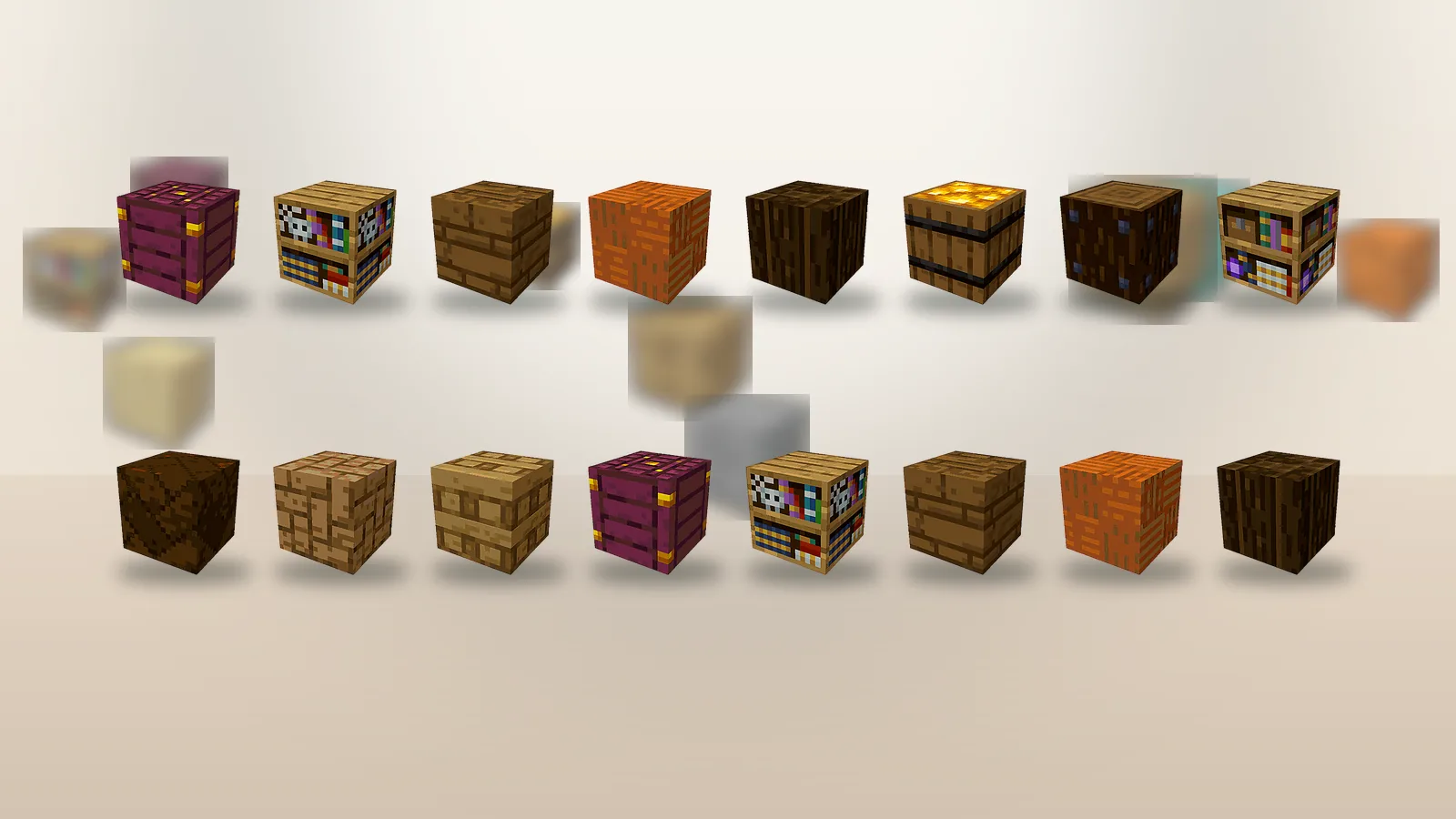
Chipped does not add long crafting chains. A variant is made by placing a vanilla block into the matching workbench and picking the look you want. One oak plank becomes one carved oak plank. The block keeps its behaviour, so a stone variant still mines like stone and a glass variant still lets light through.
Finding a recipe fast
Open JEI, REI or EMI and search the block you want to change. The usage view shows which workbench accepts it and every variant it can become. This is quicker than opening each station, and it tells you when a block has no Chipped variants at all.
Converting in bulk
Put a full stack in the input slot, choose a variant and hold Shift while you craft. The whole stack converts in one go. On big builds, convert a few stacks more than you think you need; switching back to the workbench mid-wall breaks your rhythm.
Can you convert back?
Yes. Variants go back into the same workbench, so you can turn a carved variant into another design or back into the vanilla block. Nothing is lost, which makes experimenting cheap. Build a test panel, change your mind, and convert the blocks again.
Materials worth stockpiling
Stone bricks, deepslate, planks of every wood type and glass give the widest range of variants. Farm or trade for these early and you will rarely hit a dead end when decorating.