Chipped Mod on Fabric: Full Setup
Set up Chipped Mod on Fabric for Minecraft 1.21.1 with Fabric API, Athena and Resourceful Lib, plus Sodium and Iris tips for smooth rendering.
Why builders pick Fabric
Fabric starts fast and pairs well with lightweight performance mods, which matters for a mod that adds thousands of block models. For 1.21.1 the Fabric build of Chipped is version 4.0.2, and it lists Athena, Resourceful Lib and Fabric API as required. Chipped must be installed on both the client and the server.
The exact mods folder
mods/
  fabric-api-*.jar
  athena-fabric-*.jar
  resourcefullib-fabric-*.jar
  chipped-fabric-1.21.1-4.0.2.jar
Download each file for the same Minecraft version. Names vary slightly by release, but every one should say fabric and match your game version.
Adding performance mods
Sodium improves frame rate on block-heavy builds and works with Chipped in normal use. If you add Iris for shaders, test connected textures in a small area first; most packs render them fine, but a few shader packs change how block edges are lit. If you see seams on glass, try the pack's default settings before blaming Chipped.
Recipe viewers on Fabric
Install REI or EMI to browse every variant without opening a workbench. Chipped 4.0.2 added automatic REI grouping, so variants collapse into tidy groups instead of flooding the item list. JEI also gained a Chipped feature in the same release if you prefer it.
Quick test world
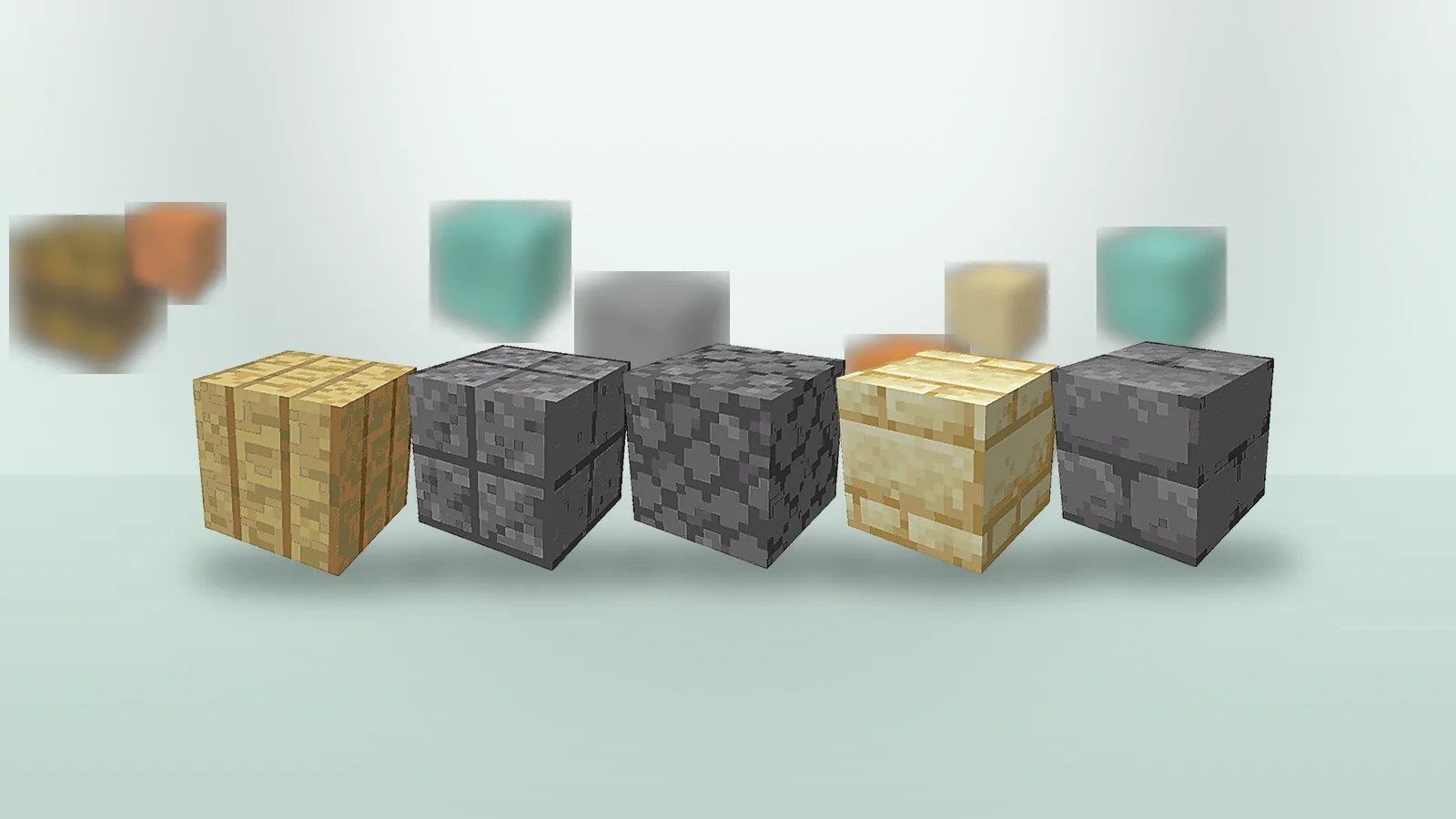
Make a creative flat world, place the Mason Table and convert a stack of stone bricks. Then place the variants in a 5×5 wall. If textures connect across blocks, Athena is working. If each block shows its own border, Athena is missing or the wrong version.